Visualize your day ahead
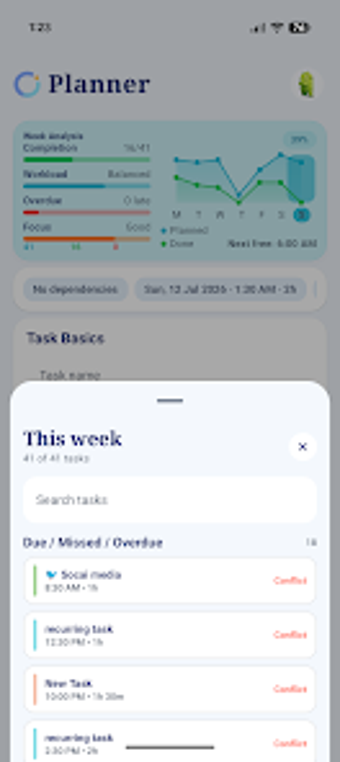
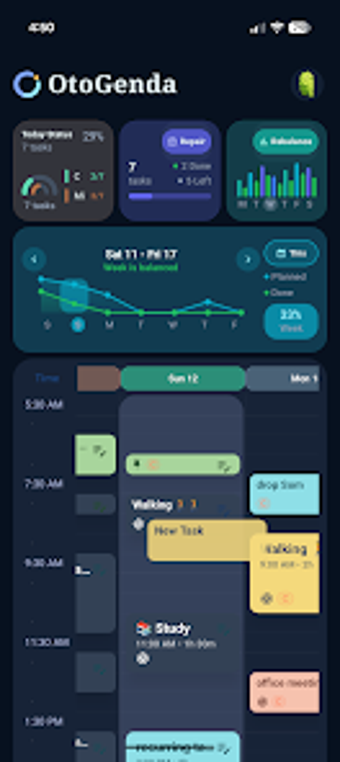
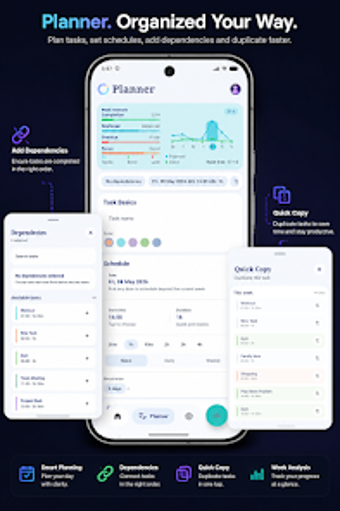
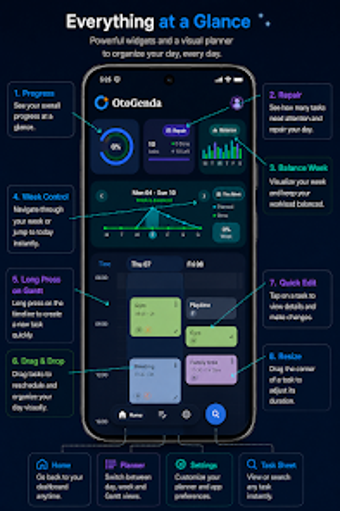
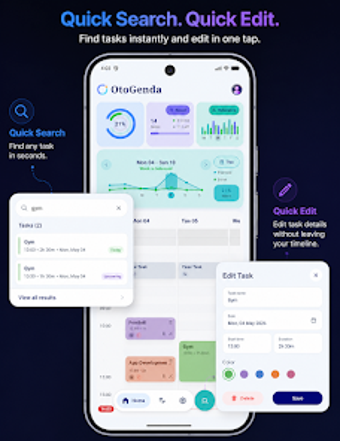
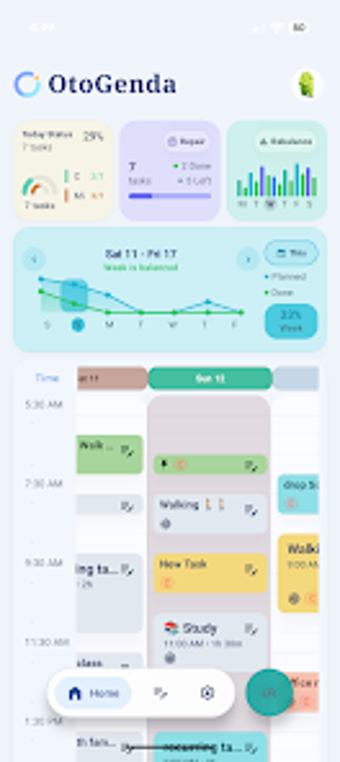
OtoGenda: Visual Task Planner is a free productivity app made by developer Quiet Arc. Instead of being one of those traditional to-do lists, it offers an interactive visual timeline where you can create tasks, assign them to specific times, and easily drag and drop them around if your plans change.
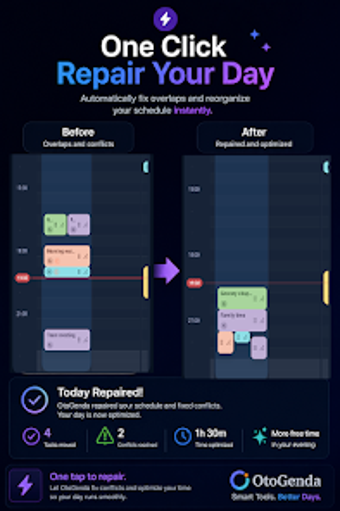
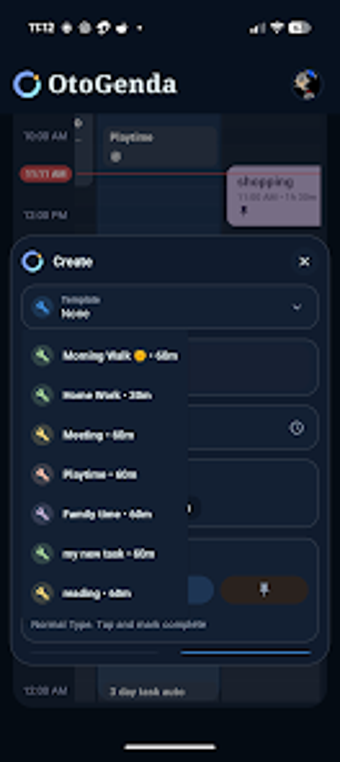
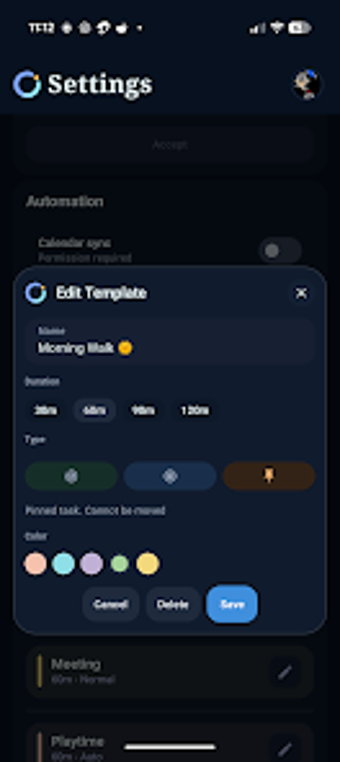
One great feature of OtoGenda: Visual Task Planner is that you can create templates for tasks you do often, set up recurring activities, and even use Auto Tasks that automatically mark themselves as complete once their scheduled time is up. It can also repair your schedule should unexpected changes occur.
Make task creation more creative
OtoGenda: Visual Task Planner takes a creative approach to to-do lists by letting you organize your tasks on a visual timeline. This way, you can see how your day is shaping up, rather than just ticking off individual tasks. After creating a task, you can place it on a specific timeslot, giving you a clearer view of your workload compared to a regular checklist, helping you avoid overbooking your day.
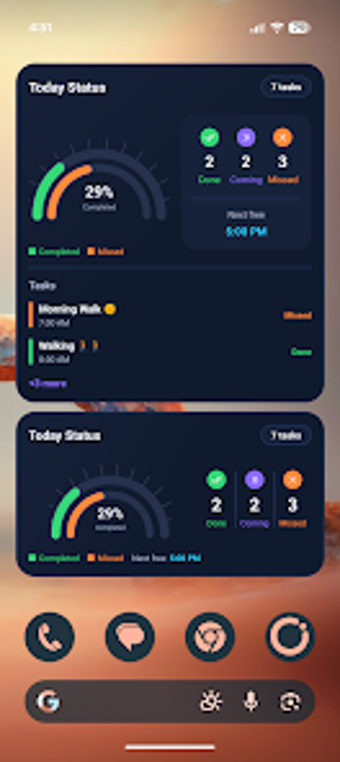
The app has home screen widgets that display your upcoming schedule, finished tasks, and daily progress without even opening the planner. It’s super handy for keeping track of what’s next and staying focused on your priorities throughout the day. With the daily and weekly calendar views, the widgets give you a quick overview of your workload, making it easier to avoid missing important deadlines.
It might take a little time to get used to if you're used to traditional to-do lists. Once you do, you'll find it to be more productive and less stressful to use when checking off tasks. While the app is free, many of its important features, like unlimited templates, calendar syncing, and an ad-free experience, are only available with a paid plan.
Lets you design a realistic and manageable schedule
Overall, OtoGenda: Visual Task Planner changes the way you manage tasks by focusing on visualizing time. The timeline view lets you plan realistically, and features like recurring tasks, templates, and widgets make it simpler to keep up productive routines without having to do a lot of manual work. It works really well as a personal planner for anyone who prefers organizing their day visually.